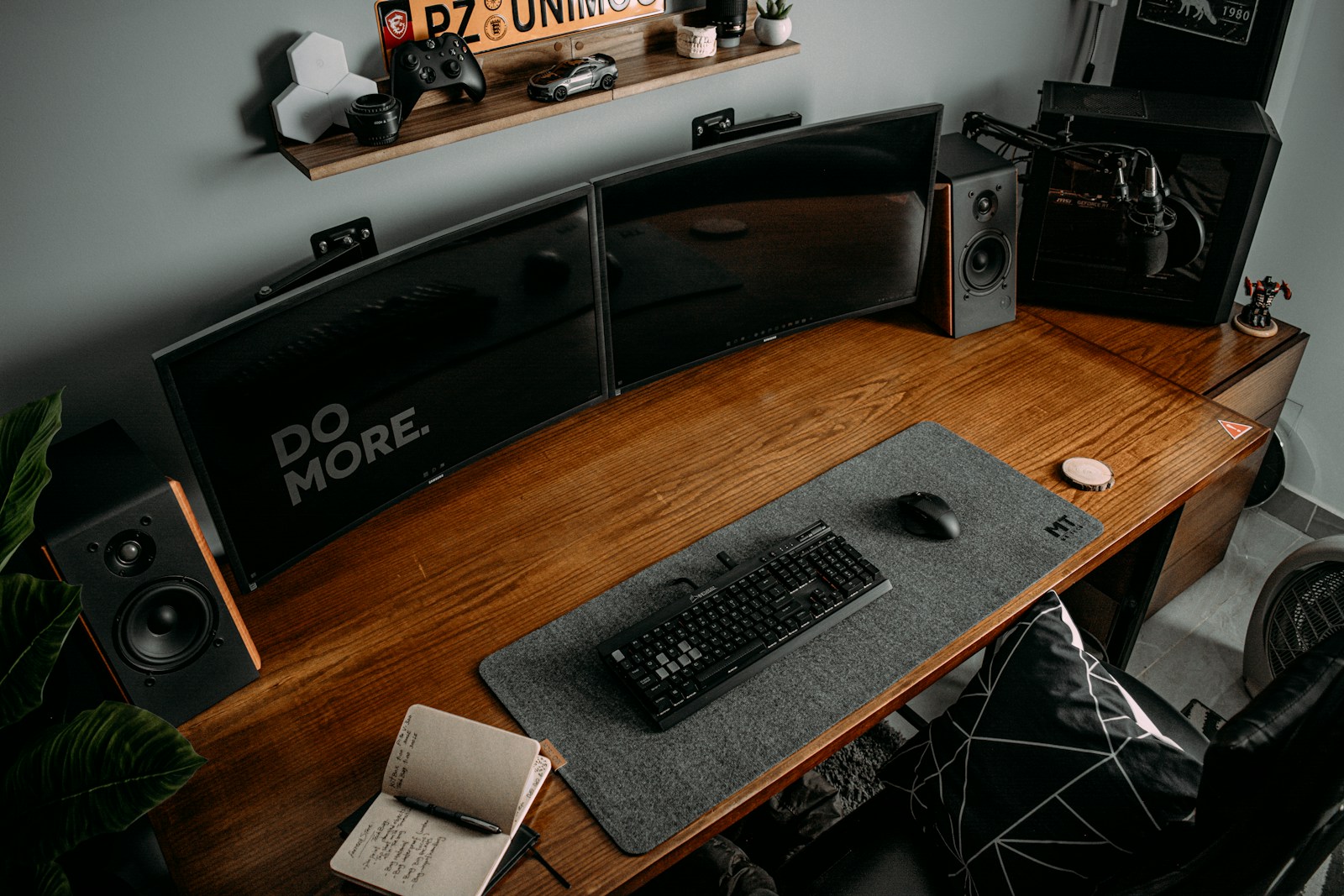
For a Dev building a great home office is part ergonomics, part workflow and part personal preference. Here is our list of things to consider that covers planning, DIY vs hiring a contractor, ergonomics, lighting, furniture choices (including sit-stand desks), tech setup, cable management, acoustics, aesthetics, budgeting and sources. You probably don’t need to think about all of this, but it can be helpful to consider if you are planning on spending hours of your life in your new home office.
Quick planning checklist
- List out your main focus: coding, meetings, studio, content creation – what do you spend most of your time on.
- Room/footprint: measure length × width × ceiling height.
- Allow 120–150 cm (48–60 in) depth for desk + chair clearance; leave 90 cm (36 in) behind chair for movement.
- Power & network: number/location of outlets and Ethernet runs – helps avoid messy cabling.
- Lighting: natural light direction and glare considerations – one of those small things that can drive you crazy.
- Ideally face a window for natural light without monitor glare
- Desk orientation: place monitors perpendicular to windows to reduce reflections.
- Budget: set realistic tiers (basic, mid, premium).
- Timeline: weekend project vs multi-week remodel – make a short term plan for where to work.
DIY vs Hiring a Contractor
Decision flow (assuming reasonable handinessj\desire):
- DIY recommended when:
- You’re keeping it basic just furniture assembly, cable management, painting, basic lighting swaps or building a simple desk/shelves.
- You’re comfortable with hand and power tools, measuring, and patching drywall.
- Hire a contractor when:
- You need new electrical circuits, recessed lighting, structural changes, built-in cabinetry, HVAC adjustments or new Ethernet/structured wiring through walls.
- You want some custom carpentry (built-ins) or any work requiring permits (e.g., electrical or structural). Don’t get your house burned down.
Ergonomics – so you don’t end everyday with an aching back
- Monitor height: top of monitor at or slightly below eye level; tilt 10–20°; 50–70 cm (20–28 in) from eyes.
- Monitor(s) placement: primary monitor centered; dual monitors with slight inward angle; ultra-wide centered on primary work.
- Chair: adjustable seat height, lumbar support, adjustable armrests. Aim for knees at ~90–110° and feet flat on floor or footrest.
- Keyboard and mouse: forearms roughly parallel to floor; wrists neutral. Keyboard height typically 5–10 cm below elbow level depending on desk.
- Desk height: for seated work 68–76 cm (27–30 in) typical; adjust based on your height\proportions. For standing, aim for elbow height when standing.
- Anti-fatigue mat: these can actually make it so you actually use your fancy new standing desk.
- Lighting: avoid glare; use task lighting and ambient lighting; color temperature ~4000K for focused work (neutral white) but 3000K–5000K depending on preference. Adjustable LED lighting can be great here.
Furniture choices & comparisons
Here’s a basic table of common desk types and their pros/cons.
| Desk Type | Pros | Cons | DIY difficulty |
|---|---|---|---|
| Fixed-height desk | Stable, often cheaper | Not adjustable for height; less ergonomic | Low |
| Manual adjustable desk | Cheaper than motorized; simple | More effort to change height | Low–Medium |
| Electric sit-stand desk | Smooth adjust, programmable heights | Higher cost, needs power | Medium |
| Standing desk converter | Keeps existing desk; cheaper | Takes desk space; less stable | Low |
| Built-in desk/casework | Custom fit, maximizes space | Expensive, needs pro install | High |
| Wall-mounted fold desk | Space-saving | Limited surface area | Medium |
Our opinion: Electric sit-stand desk > Manual adjustable > Fixed-height.
Lighting: yes, again
- Layers of light: ambient (overhead), task (desk lamp), accent (shelves).
- Color temperature: 3500–4500K for focused work; 2700–3000K for relaxing backgrounds. The lower the number the more yellow\soft.
- CRI ≥90 for accurate colors (important for designers).
- Desk lamp: adjustable arm, diffused light, ~400–1000 lux at desk surface for detailed work.
- Window glare control: use blinds or diffuse curtains; use monitor hood if required.
Recommended fixtures:
- Overhead: dimmable LED panel or warm/neutral recessed lights.
- Task: adjustable LED desk lamp with high CRI and dimming.
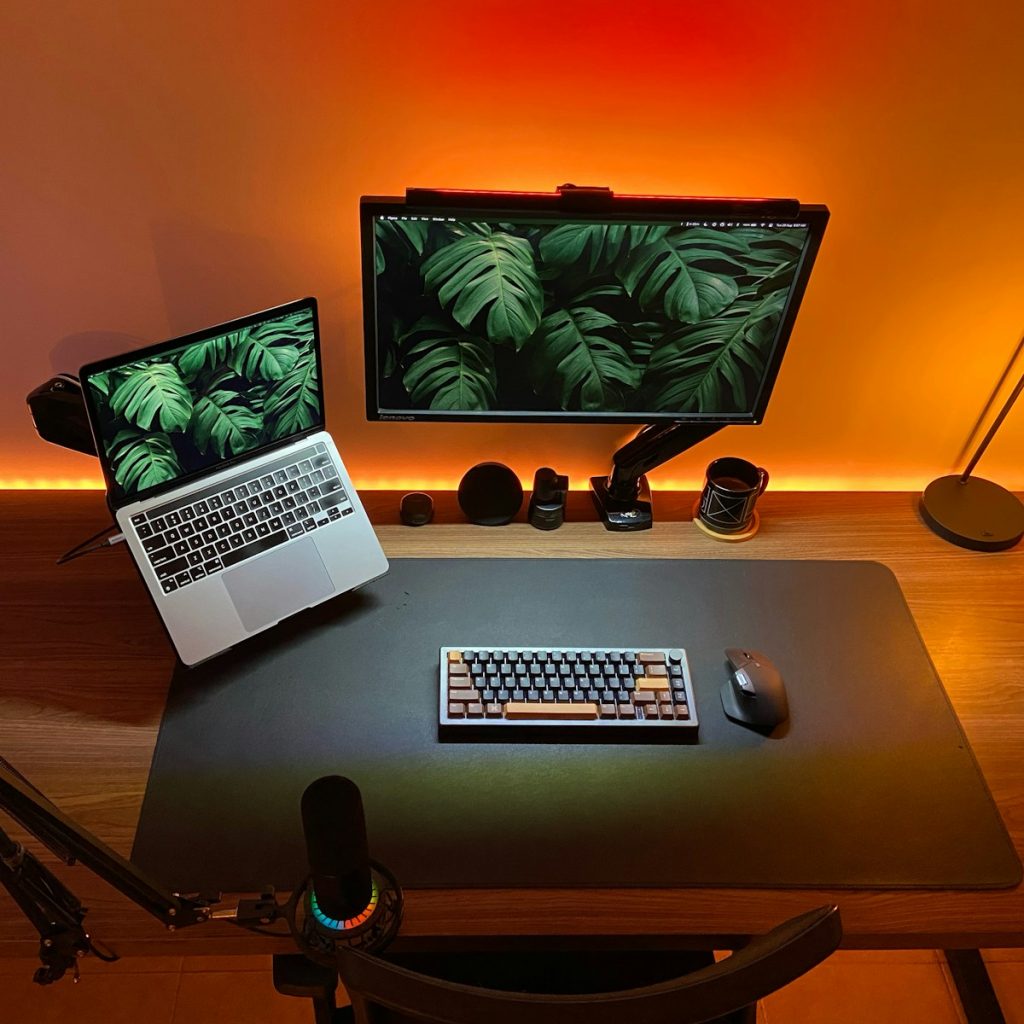
- Bias lighting for monitors: LED strip behind monitor at ~10% brightness reduces eye strain and improves perceived contrast.
- The main thing is just to give yourself options that you can adjust throughout the day to reduce eye strain
Acoustics and background noise
- Soft furnishings (rugs, curtains, sofa) absorb mid to high frequencies.
- Bass traps or bookshelves help with low-frequency control.
- For calls: Consider getting a tabletop speaker\mic so you don’t have to wear headphones all the time.
- Consider a white-noise machine to mask distractions or get yourself a small room fan.
Network & power setup
- Wired Ethernet is preferred for stability. Aim for at least Cat6 for gigabit or higher.
- Wi‑Fi: place router centrally; potentially get a repeater for your office.
- UPS: battery backup for desktop + monitor (30–60 minutes based off of your power needs is a good goal) save yourself from losing work to a hard shut-down
- Power distribution: use surge-protected power strips with enough outlets; avoid overloading. Consider a separate dedicated circuit if you have multiple servers or something drawing lots of power.
Sample device power table to calculate UPS needs
| Device | Typical Power (W) | Notes |
|---|---|---|
| Laptop charger | 60–100 | Varies |
| Desktop PC | 200–800 | High-performance PCs spike during load |
| Monitor (LCD) | 20–60 | Depending on size |
| Network gear | 10–50 | Router + switch |
| LED desk lamp | 5–20 | Low draw |
Cable management- Think about it from the start or doom yourself forever
- Route cables under desk in trays or raceways.
- Get Velcro straps for bundling; label both end for later.
- For wall pass-through, use plastic grommets or in-wall rated cables if running inside walls .
Standing vs sitting schedule
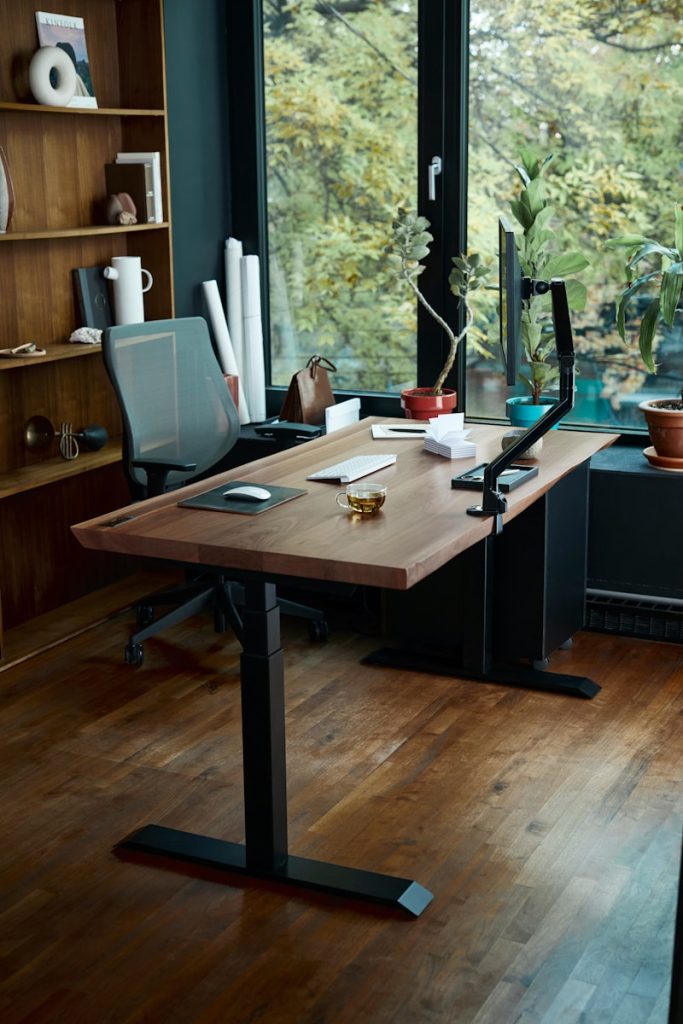
- Find what works for you if you have opted for a sanding\sitting desk. Alternate sitting and standing. Start with 20–40 minutes standing per 2 hours and increase tolerance.
- Use a timer or app to remind you to change position.
- Track position changes, use anti-fatigue mat and supportive shoes/socks when standing.
Aesthetics & personal comfort
- Add plants, a little touch that can make you feel more relaxed. Studies show small cognitive and stress benefits. Choose low-maintenance plants (ZZ plant, pothos).
- Personalize with meaningful art or elements but avoid clutter near work surface.
- Temperature: ideal range for focused work ~20–24°C (68–75°F).
Security & privacy
- Screen privacy filter if camera faces shared spaces..
- Secure physical access: lockable drawers or safe for sensitive drives and info.
Sample timelines
- Weekend refresh (DIY): declutter, paint accent wall, install shelves, buy desk/chair — 1–2 days.
- Moderate remodel (hybrid): add outlets, run Ethernet, new flooring — 1–2 weeks.
- Full remodel (contractor): built-ins, lighting, structural adjustments — 3–8 weeks depending on permits.