
As a developer, choosing the right Integrated Development Environment (IDE) can make a significant difference in your workflow and productivity. In 2026 the four leading IDEs are Visual Studio, IntelliJ IDEA, PyCharm and Eclipse. We’ll break down their strengths, weaknesses, key features and when each is the best choice.
Overview of Top IDEs
| IDE | Best For | Main Language Support |
|---|---|---|
| Visual Studio | .NET Development & Enterprise Apps | C#, VB.NET, C++ |
| IntelliJ IDEA | Java Development | Java, Kotlin, Groovy |
| PyCharm | Python Development | Python |
| Eclipse | Versatile Programming | Java, C/C++, PHP |
1. Visual Studio
Strengths:
- Extensive Toolset: Visual Studio shines with a comprehensive suite of tools, ideal for .NET and enterprise-level applications.
- Intuitive Interface: The user-friendly design helps both beginners and experienced developers navigate easily.
- Strong Debugging Capabilities: Offers advanced debugging tools, making it easier to find and fix bugs.
Pros:
- Great integration with Microsoft tools and services.
- A massive library of plugins and extensions.
- Supports multiple languages beyond C#.
Cons:
- Can be resource-intensive, requiring a powerful machine.
- The learning curve can be steep for beginners unfamiliar with Microsoft technologies.
Best For:
Developers focused on building enterprise applications in the Microsoft ecosystem, particularly those utilizing Azure, ASP.NET, or C#.
2. IntelliJ IDEA
Strengths:
- Smart Code Completion: IntelliJ offers intelligent suggestions that can enhance the coding experience and speed up development.
- Fantastic JVM Support: Excellent for Java developers, it also supports Kotlin and Groovy well.
- Robust Version Control: Built-in integration for Git, SVN, and other version control systems.
Pros:
- Highly customizable interface.
- Support for a wide array of plugins enhances functionality.
- Fantastic community and documentation.
Cons:
- The ultimate version can be expensive.
- Can be heavyweight for smaller projects.
Best For:
Java developers and teams who require advanced features and efficient project management tools.
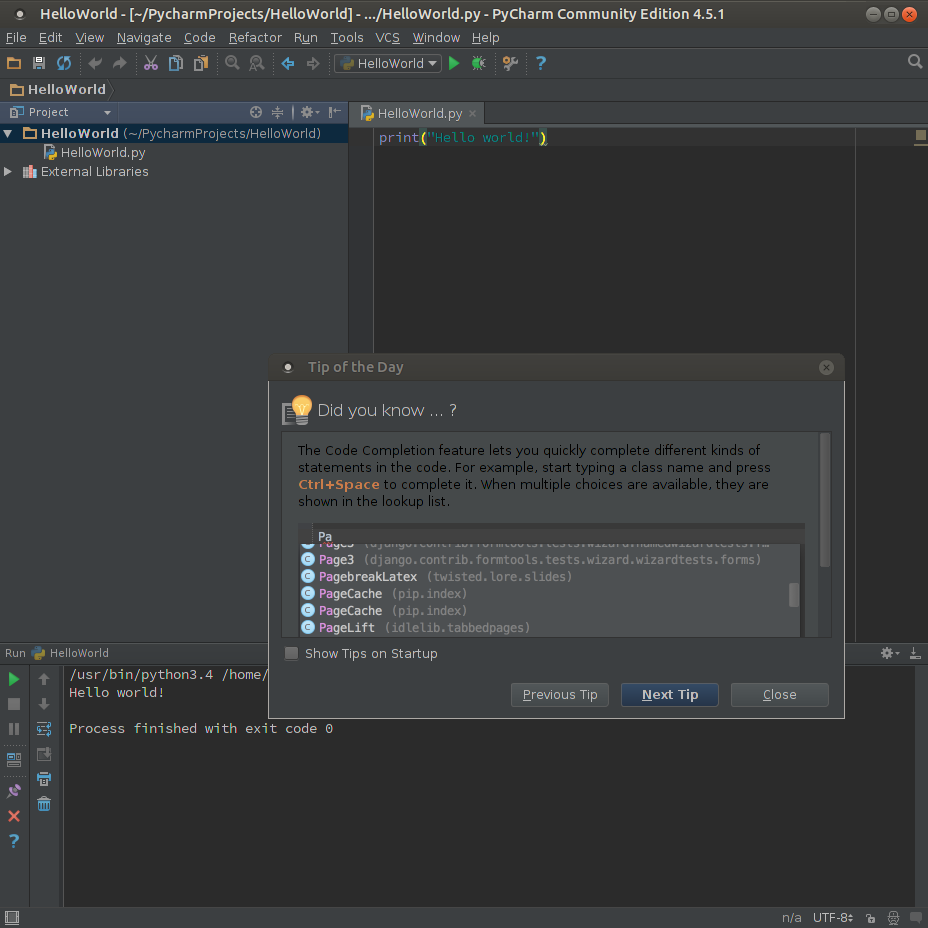
3. PyCharm
Strengths:
- Python-Specific Features: It includes tools tailored for Python users, such as Django support and scientific libraries.
- Integrated Tools: Supports Jupyter notebooks for data science projects and integrates well with various Python frameworks.
Pros:
- Offers a free community edition with substantial features.
- Excellent code navigation and refactoring capabilities.
- Strong database tools built into the IDE.
Cons:
- Performance can lag with large projects.
- Limited support for languages outside Python.
Best For:
Developers working in Python, especially in the fields of web development (Django, Flask) or data science.
4. Eclipse
Strengths:
- Flexibility and Extensibility: Highly customizable with various plugins available through the Eclipse Marketplace.
- Robust Community Support: A long-standing community provides extensive resources and help.
Pros:
- Great for large-scale Java applications.
- Supports other languages such as C/C++ with additional plugins.
- Free and open-source.
Cons:
- The user interface can feel outdated compared to newer IDEs.
- Setup can be complex for new users due to plugin dependencies.
Best For:
Teams needing a highly customizable and versatile development environment, particularly in Java or C/C++.
TLDR
Selecting the ideal IDE often comes down to personal preference and the specific needs of your projects. Here’s our take-
- Visual Studio is best for C# and .NET development.
- IntelliJ IDEA excels in Java and JVM languages.
- PyCharm is perfect for Python developers.
- Eclipse serves well for those seeking flexibility in various languages.